
Direct lookup
Already know the OE number?
Search the published catalog by normalized OE number. Use categories or EPC to browse by system and vehicle.
EPC verified
Search published OE SKUs, review the EPC diagram trail and confirm price, stock and export terms with our sales desk before ordering.
Use an OE number when the reference is known. Use the EPC vehicle route when the part is only known by position.
Search the published catalog by normalized OE number. Use categories or EPC to browse by system and vehicle.
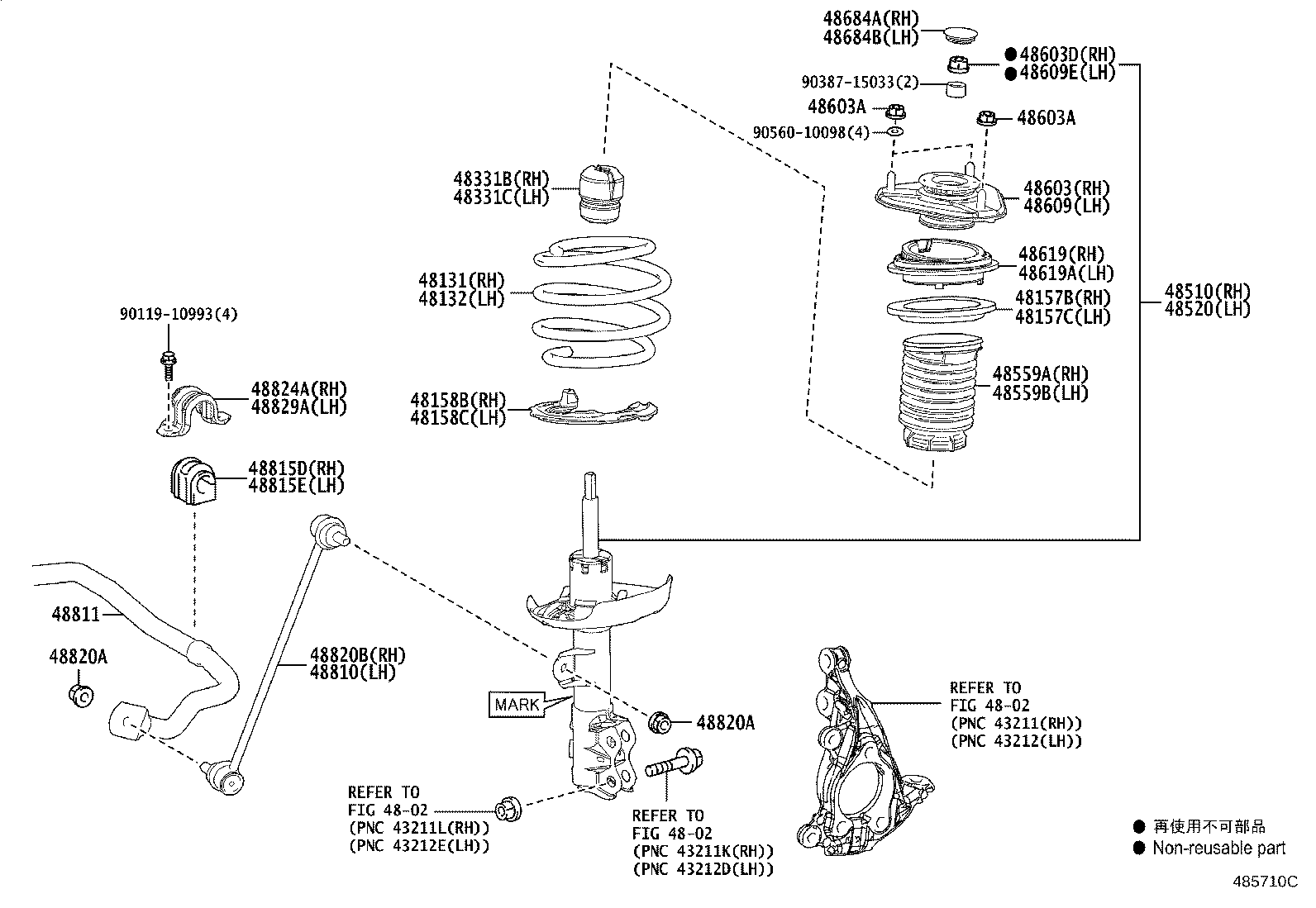
Choose a brand, model, generation and vehicle to open the diagram workspace and callout schedule.
 TOYOTA
31,590 published SKUs
 MERCEDES-BENZ
19,530 published SKUs
 HYUNDAI
16,934 published SKUs
 NISSAN
16,824 published SKUs
 AUDI
16,229 published SKUs
 BMW
13,233 published SKUs
 FORD
12,525 published SKUs
 HONDA
8,839 published SKUs
 MITSUBISHI
8,367 published SKUs
 LEXUS
6,460 published SKUs
 CITROËN
5,948 published SKUs
 VOLVO
5,704 published SKUs
 KIA
5,427 published SKUs
 MAZDA
5,375 published SKUs
 OPEL
4,469 published SKUs
 LAND ROVER
4,257 published SKUs
 CHEVROLET
4,105 published SKUs
 CHRYSLER
3,728 published SKUs
 RENAULT
3,370 published SKUs
 ALFA ROMEO
2,579 published SKUs
 FIAT
2,430 published SKUs
 DACIA
2,165 published SKUs
 SUZUKI
1,962 published SKUs
 VW
1,682 published SKUs
 PORSCHE
1,630 published SKUs
 SUBARU
1,341 published SKUs
 JAGUAR
1,334 published SKUs
 SEAT
1,307 published SKUs
 ISUZU
1,208 published SKUs
 JEEP
978 published SKUs
 PEUGEOT
720 published SKUs
 BUICK
667 published SKUs
Browse Powertrain parts from the published catalog.
Browse Steering parts from the published catalog.
Browse Suspension parts from the published catalog.
Browse Braking parts from the published catalog.
Browse Electrical & Electronics parts from the published catalog.
Browse HVAC & Thermal parts from the published catalog.
Browse Body & Exterior parts from the published catalog.
Browse Interior & Safety parts from the published catalog.
Browse Fasteners & Hardware parts from the published catalog.
Browse Tools, Accessories & Chemicals parts from the published catalog.
Identify the exact parts you need with interactive EPC diagrams.
Drop an Excel or CSV BOM to prepare a multi-line sourcing request. The interface is ready; the public RFQ upload endpoint will be connected in a later iteration.
